The design proof and approval process
For every product printed for your brand, a digital proof is prepared and your approval is taken before production. The proof is your logo placed on the product's flat layout, shown together with the cut line, the safe area and the bleed. This guide explains how the proof is prepared, how it is approved on the tracking page and how a change request works.
Updated:
How is the proof prepared?
After you accept the quote, your logo goes to our design team. If needed the logo is cleaned, sharpened and converted to vector where possible; then it is placed on the die layout of the product you chose, with the safe area and the 3 mm bleed. The resulting draft first passes our own team: text, company name, type near the cut and resolution are checked. No draft is sent to you before it is approved internally.
Approval on the tracking page
Every order has its own private tracking link, sent to you on WhatsApp. On that page you see the stage of the order, open the proof and use one of two options: approve, or request changes. Approval is recorded with your name and the time, and the job moves to production. For a change request, write what you want as short points; the request becomes a revision checklist and is answered item by item in the next version.
The tracking page contains no prices, so you can comfortably share the link with your designer or partner. It works in three languages; our overseas customers see the same page in English.
Set proof: several products, one approval
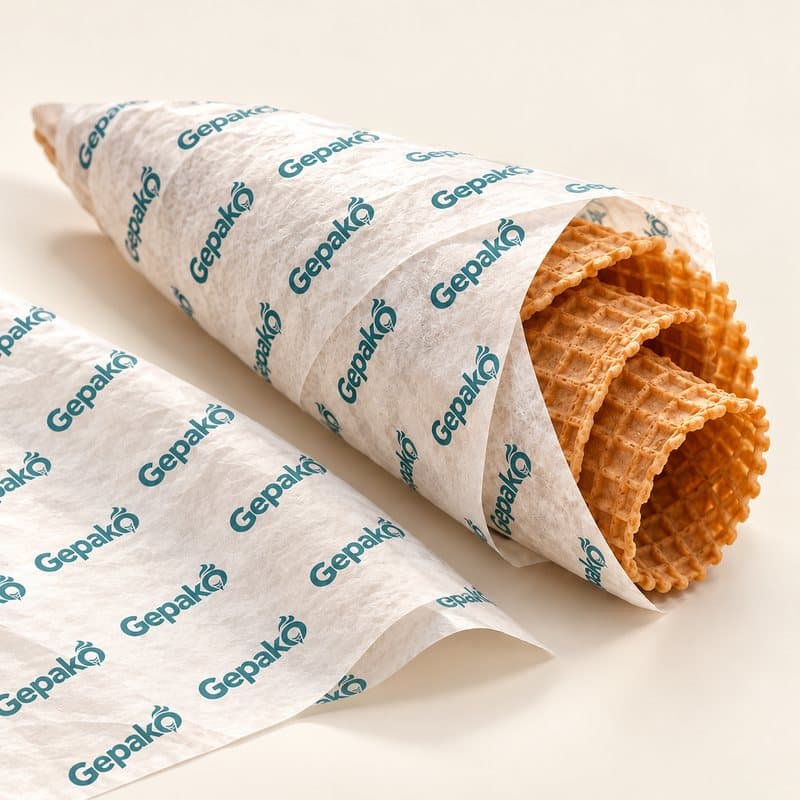
If you order a cone sleeve, cup, tub sleeve and sticker with the same logo, you do not wait for a separate proof per product. In a set proof the logo is placed once and adapted to each product's layout according to its own dimensions and safe area; our designer fine-tunes per product where needed. You receive a single set proof page; you approve product by product or request a change on just one. When all are approved, the job moves to production.
Change requests and revisions
A change request is normal; what prolongs the process is a vague request. Write colour, position, size and spelling as separate sentences. Each job shows its revision number; our team compares every new version with the previous request and marks what was done. A complete logo and colour information sent from the start means approval in a single round for most jobs.
Before approving, check these: the spelling of the company name, the legibility of small text such as phone or address, the distance of the logo from the cut line, and the background colour. The printed job is identical to the approved proof; a typo noticed after approval means a new print run.
After approval
The approved proof becomes the print file and goes to the workshop as a single package together with colour notes and die information. Production takes place in our own facility with food-safe raw materials; stages appear on your tracking page and the courier details are added when the cartons ship. A realistic image of the product you approved can also be added to your tracking page; if you give consent, that image is marked as suitable for social media.
If you want to see your logo on the product before printing, try the See Your Logo page and send the products you like to a quote from the same basket.
Request a quote
List the products and approximate quantities; our sales team replies with a carton-based price.
Get a Quick Quote